
Account and access
Forgot your portal password
Reset your portal password by email.
4 steps1 minUpdated 16 October 2026
- Open the portal's sign-in page: https://panel.creativesolutiondigital.co.id/customer.
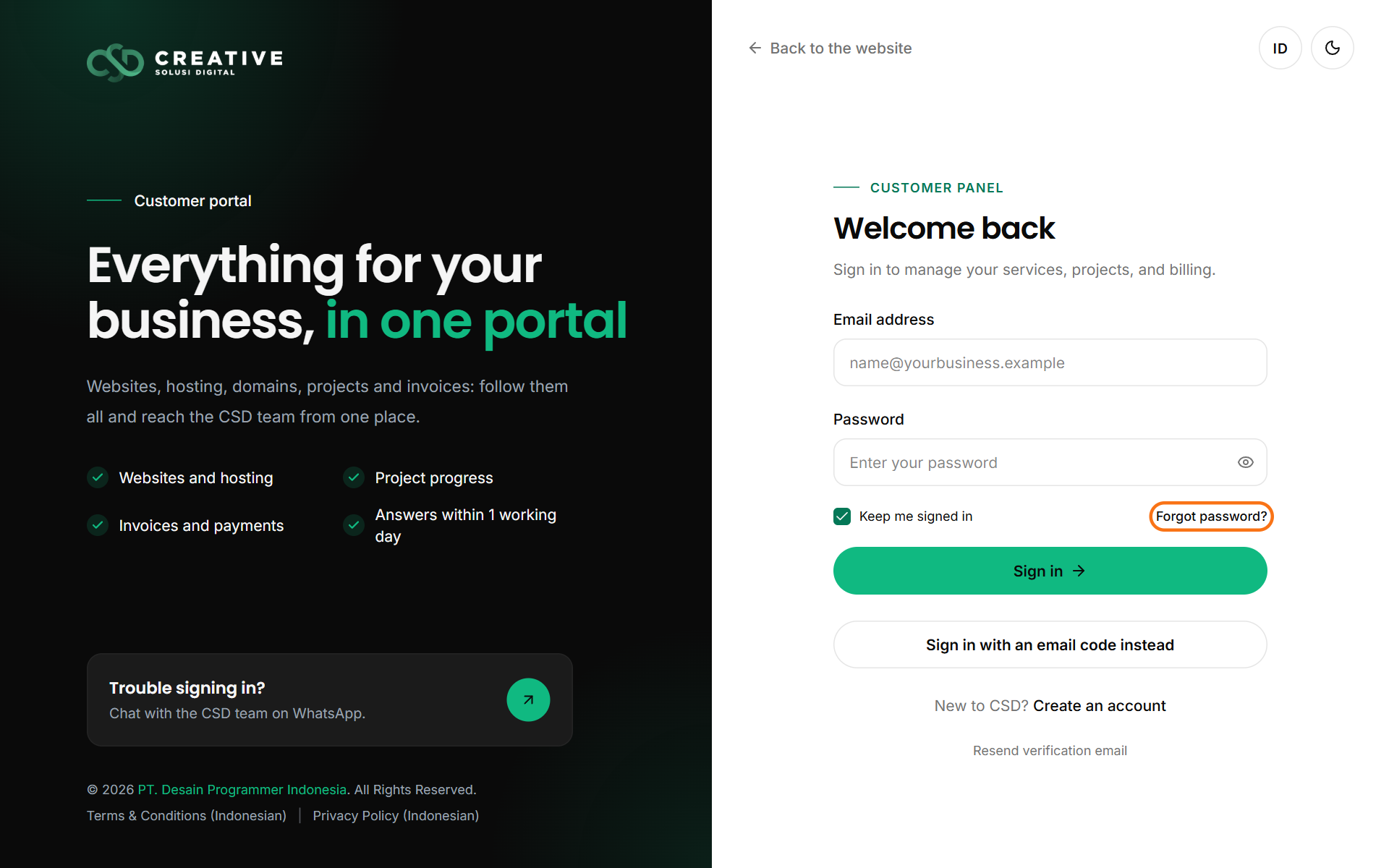
- Click Forgot password? under the password field.
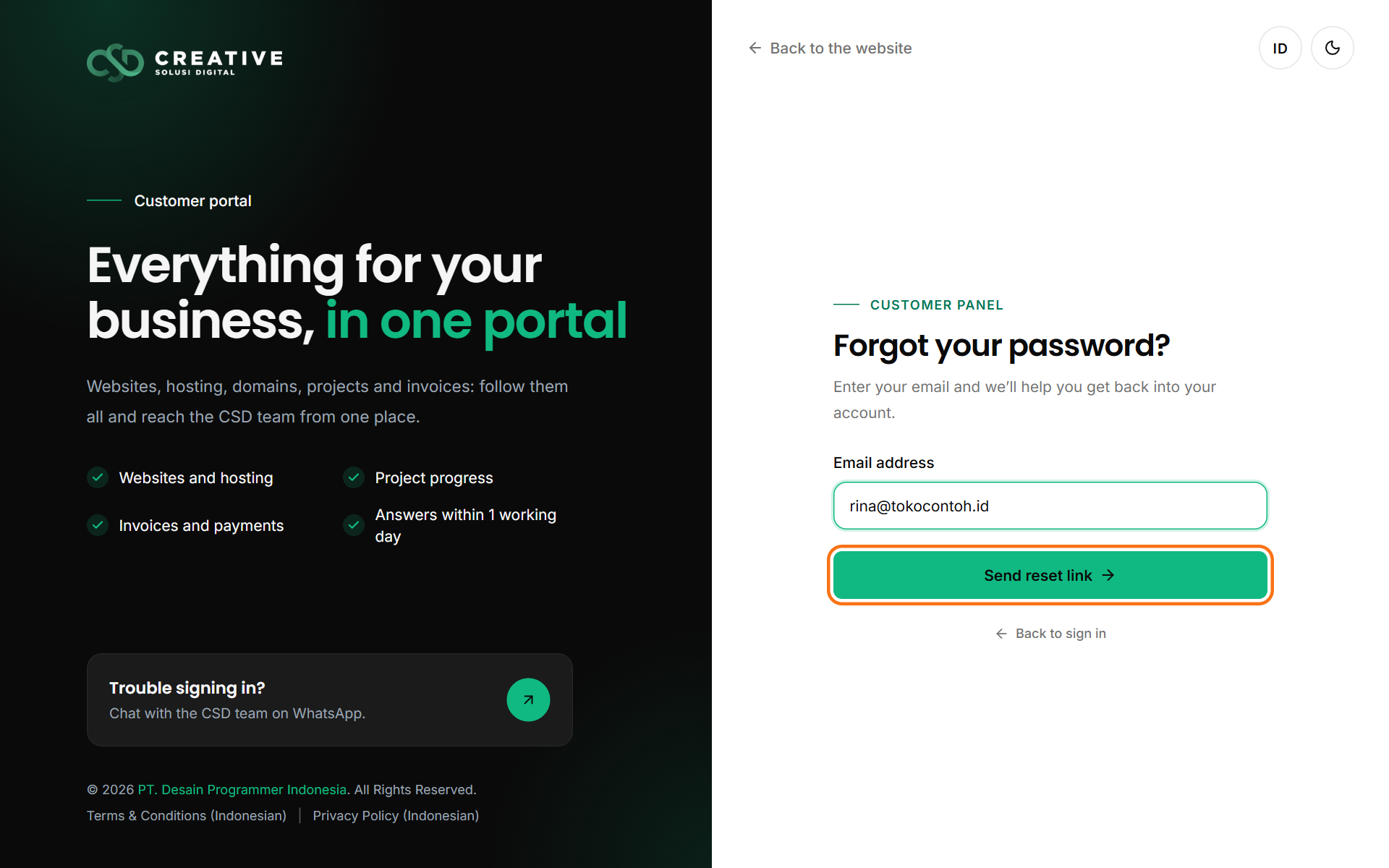
- Enter the email address you sign in with, then click Send reset link.
- Open our email and click the link to choose a new password (at least 12 characters).
No email? Check your spam folder. If it is still not there, email us at hello@creativesolutiondigital.co.id.
Changing your password while signed in
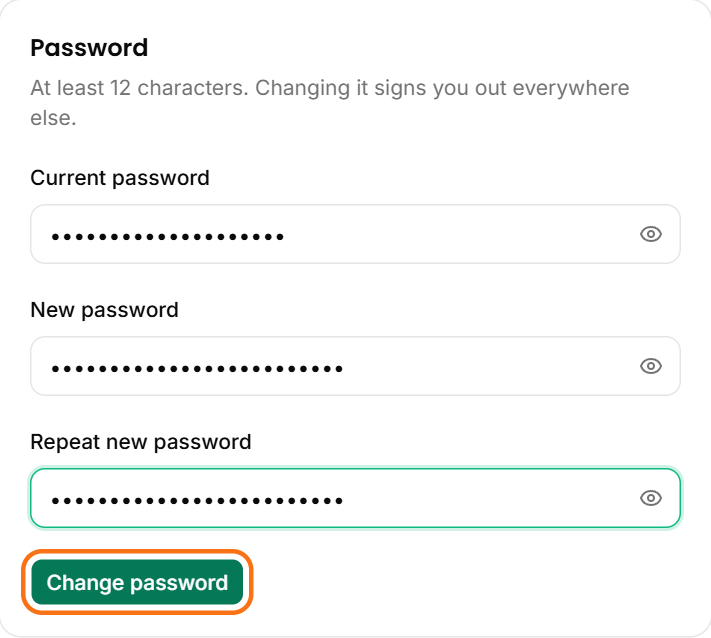
Open Account in the portal (the Profile & password tab), fill in your current password and the new one twice, then click Change password.
Was this article helpful?